Internal Tools & Business Software
The most valuable software I build is rarely public: it is the tool your team opens every morning to run the business. I build internal tools that replace spreadsheet sprawl and WhatsApp coordination with one system — designed around your actual workflow, owned by you, and maintained by the person who built it.
The problem this solves
Most growing businesses run on an improvised stack: one Excel file for customers, another for stock, a WhatsApp group for daily coordination, and one person's memory for everything else. It works — until it doesn't. Data gets duplicated, history gets lost, and nobody can answer "how many open orders do we have right now?" without twenty minutes of digging. An internal tool replaces that improvisation with a single source of truth that every team member reads and writes in real time.
What can be built
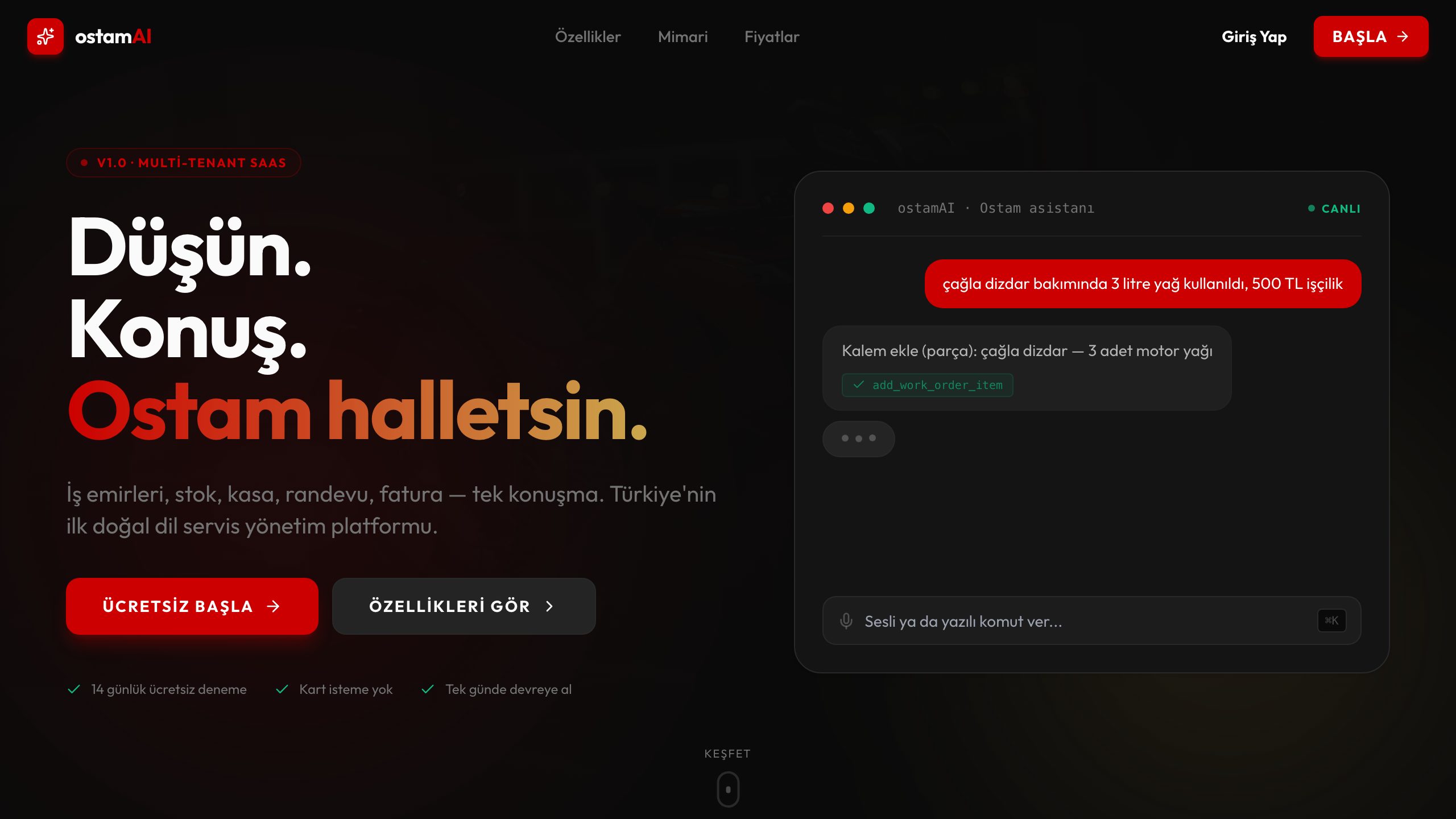
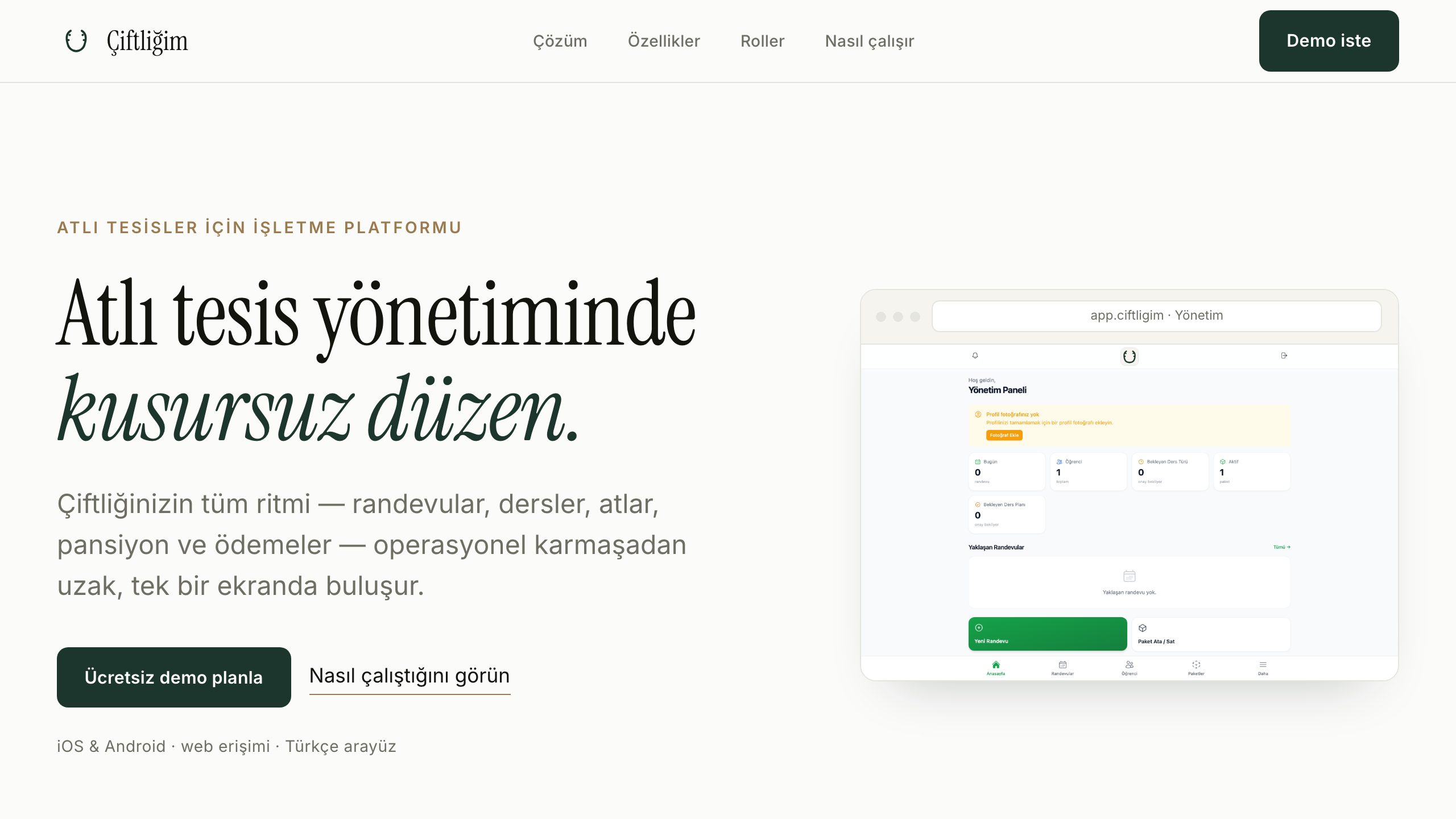
I have shipped this pattern repeatedly. OstamAI runs a motorcycle service workshop: work orders, customers, vehicles, and history in one screen. Çiftliğim runs equestrian facilities: lessons, horses, boarding, and payments. Demirbey runs a sports club: members, schedules, dues. Your version might track production jobs, rental equipment, patient appointments, or field crews — the shape differs, the discipline is the same: model the real workflow, then build the simplest tool that carries it.
- →Work-order and job tracking systems
- →Inventory, stock and order management
- →Booking, scheduling and resource planning
- →CRM-like customer and member management
- →Payment and dues tracking with reporting
- →Field data collection with photo and OCR flows
Roles, permissions and accountability
Internal tools live or die on access control. The counter operator, the accountant, and the owner need different views of the same data — and some actions must be restricted, logged, or both. I implement role-based permissions enforced at the database layer, so a rule is a rule even if someone bypasses the interface. Change history answers "who edited this and when" without drama. This is the part spreadsheets can never give you, and usually the first thing owners say they should have had years ago.
Technology and integration
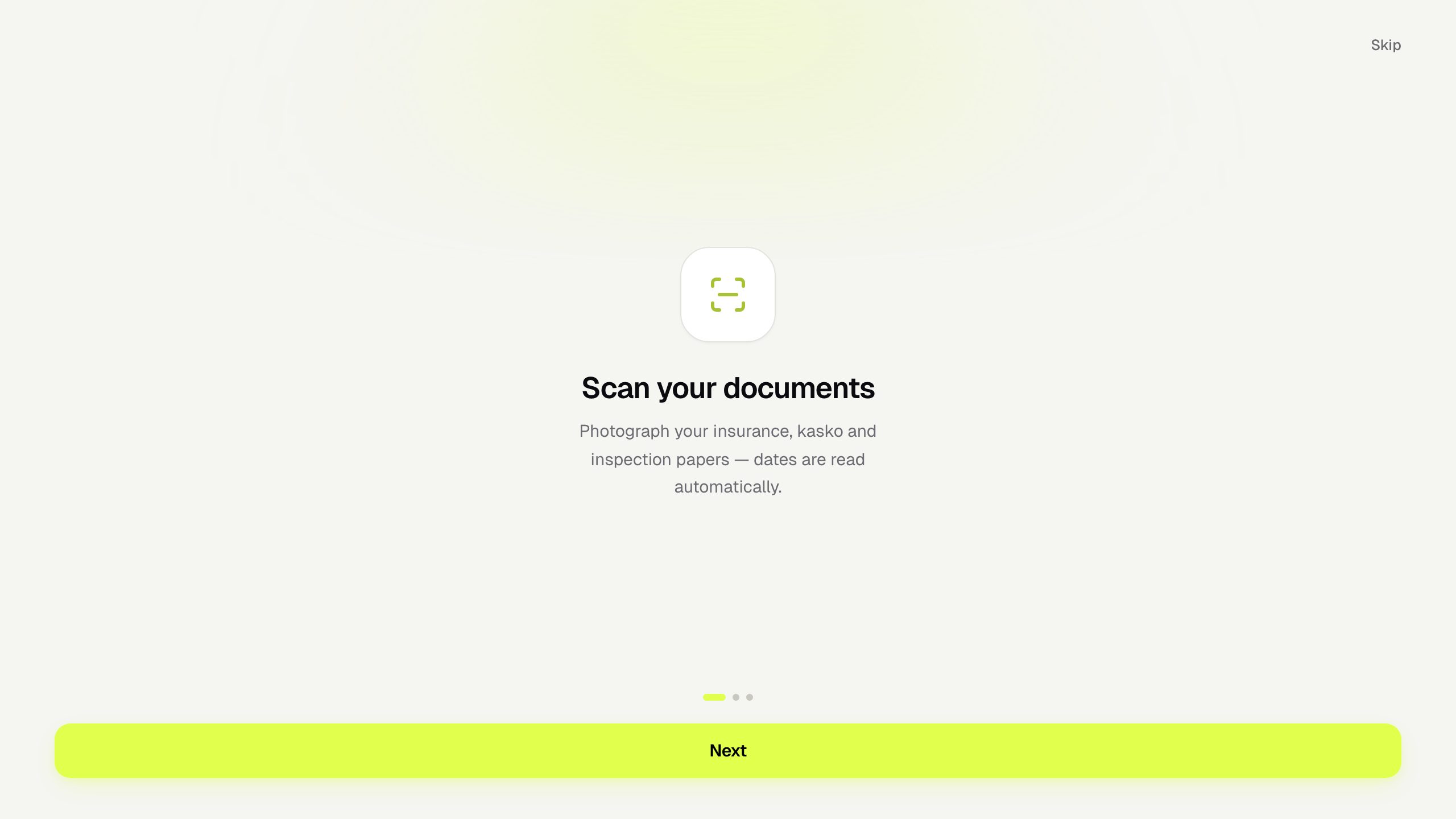
The stack is Nuxt and Vue for the interface, Node.js APIs, and PostgreSQL — typically Supabase — for data, auth, and realtime updates. Deployment is Dockerized on managed cloud or on servers I operate, including local network setups when data must stay in-house. Existing systems are integrated rather than discarded: accounting software with an API, a legacy database that needs one-time migration, or a supplier feed that should flow in automatically. Where it genuinely helps, AI features — document OCR, photo understanding, assistants over your data — plug into the same backbone, as they do in OstamAI and Garajım.
Process: small core first, then grow
Internal tools fail when they try to digitize everything at once. My process starts with the single most painful workflow — usually order tracking or scheduling — and ships a working tool for just that within weeks. Your team uses it, we adjust it, and only then do we widen scope. Each addition lands on a foundation already proven in daily use. This keeps budgets predictable and, more importantly, keeps the team on board: software people helped shape is software people actually use.
Related Projects
Frequently Asked Questions
+Our workflow is unusual — can the tool match how we actually work?
That is precisely the point of custom internal tooling. Off-the-shelf software forces your workflow into its shapes; a custom tool is modeled on yours. I start every project by walking through how the work actually happens today — including the exceptions everyone forgets to mention — and the data model comes from that, not from a template.
+Can different staff members have different permissions?
Yes — role-based access is standard in every tool I build. Who can view, create, edit, delete, and export is defined per role and enforced at the database level. Sensitive areas like pricing or payroll can be restricted to owners only, and every action is traceable to a user.
+Can we get reports out of it?
Yes. Because all operational data lands in one structured PostgreSQL database, reporting becomes straightforward: daily summaries, monthly revenue views, staff activity, overdue items — filterable on screen and exportable to Excel or PDF. Reports that used to take an afternoon of copy-pasting become one click.
+Can it connect to our accounting software or existing APIs?
If the system exposes an API or supports data export, integration is usually feasible — syncing customers and products, pushing invoiced orders back, or a one-time migration of legacy records. I verify what your current software can actually do before promising anything.
+Does it work on phones and tablets too, or only at the desk?
Both. The same system serves a dense desktop view at the counter and an app-like mobile view in the field — installable to the home screen, camera-ready for photographing documents or stock. One backend, every screen size.
+Can the tool run inside our own network for privacy?
Yes. The Dockerized setup can run on a machine at your premises, reachable only from your local network, with encrypted off-site backups if you want them. For businesses with strict data requirements this is often the deciding factor — and it is infrastructure I already operate daily.