Admin Dashboards & Management Panels
Every serious product and every organized business ends up needing the same thing: a panel where the right people see the right data and act on it. I design and build admin dashboards — auth, roles, data tables, reporting — as complete systems, not as an afterthought bolted onto an app. Every product in my portfolio runs on a panel I built this way.
Who needs a custom panel
Three situations bring people to this page. A product owner whose app has users and data but no proper way to manage them. A business owner whose website runs on a CMS that was never meant to handle orders, members, or bookings. And teams stuck administering their system through raw database access or a generic auto-generated panel that fights them daily. In each case the answer is the same: a purpose-built panel shaped around your entities, your workflows, and your team's roles.
What a well-built panel includes
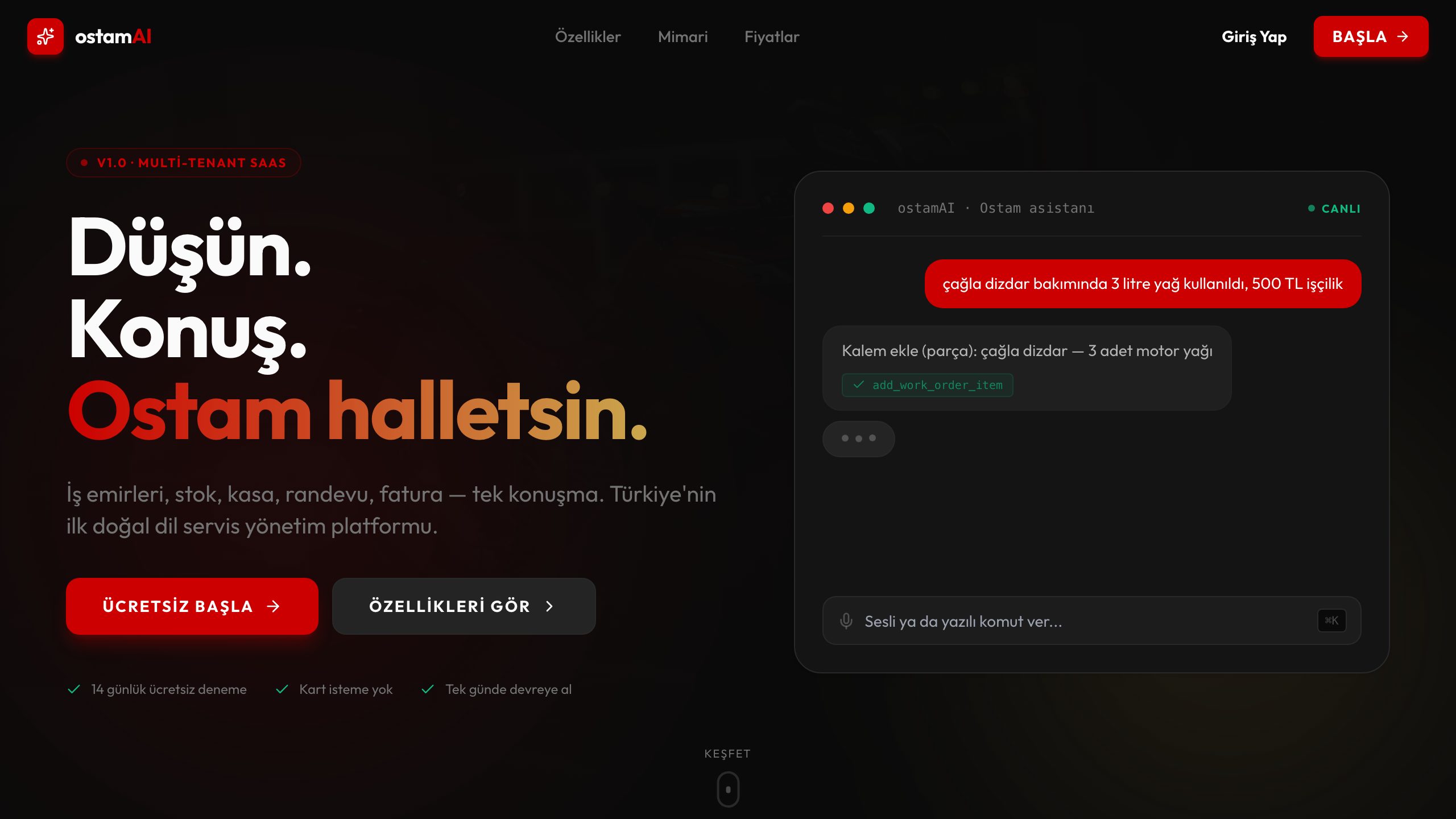
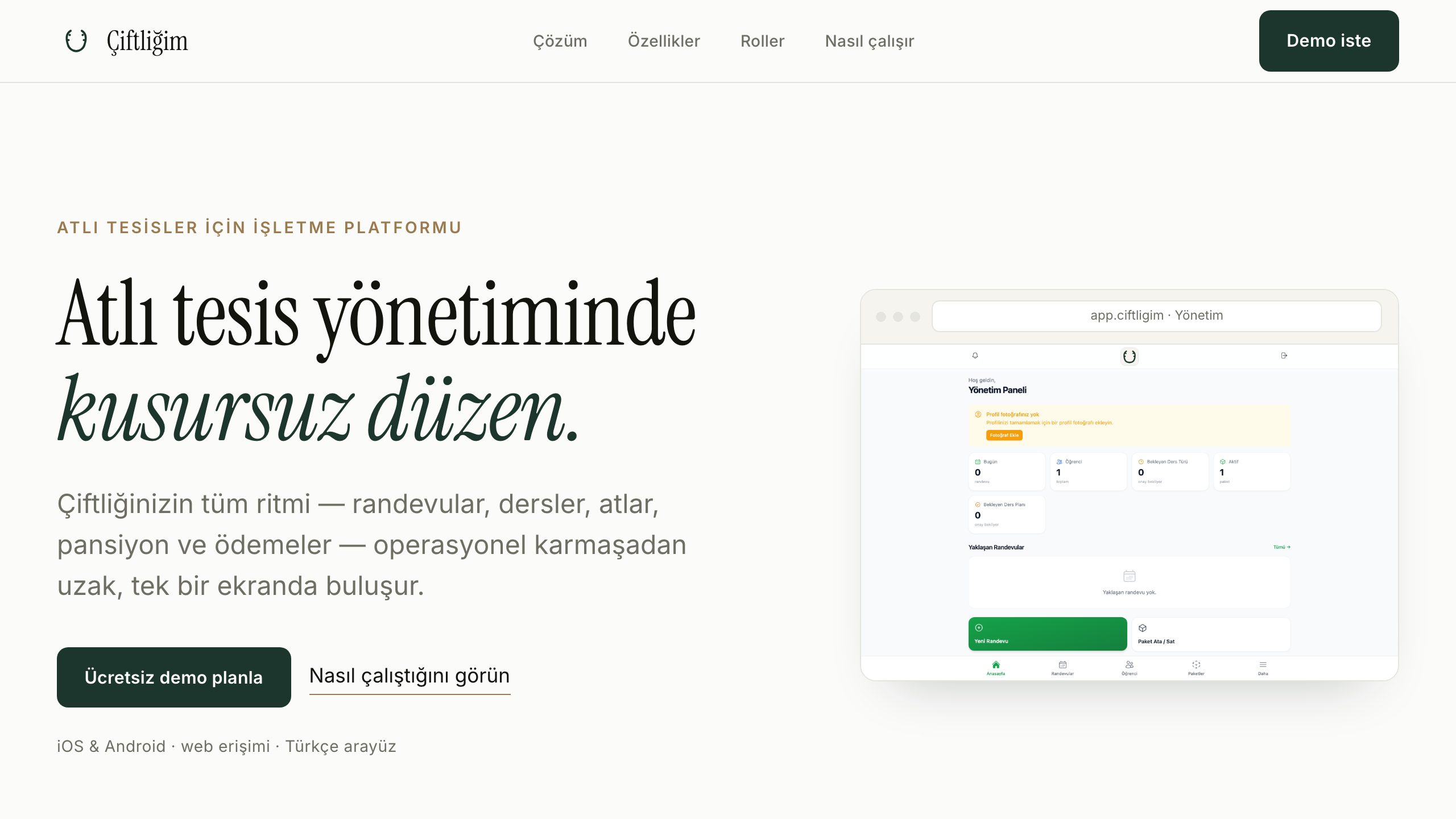
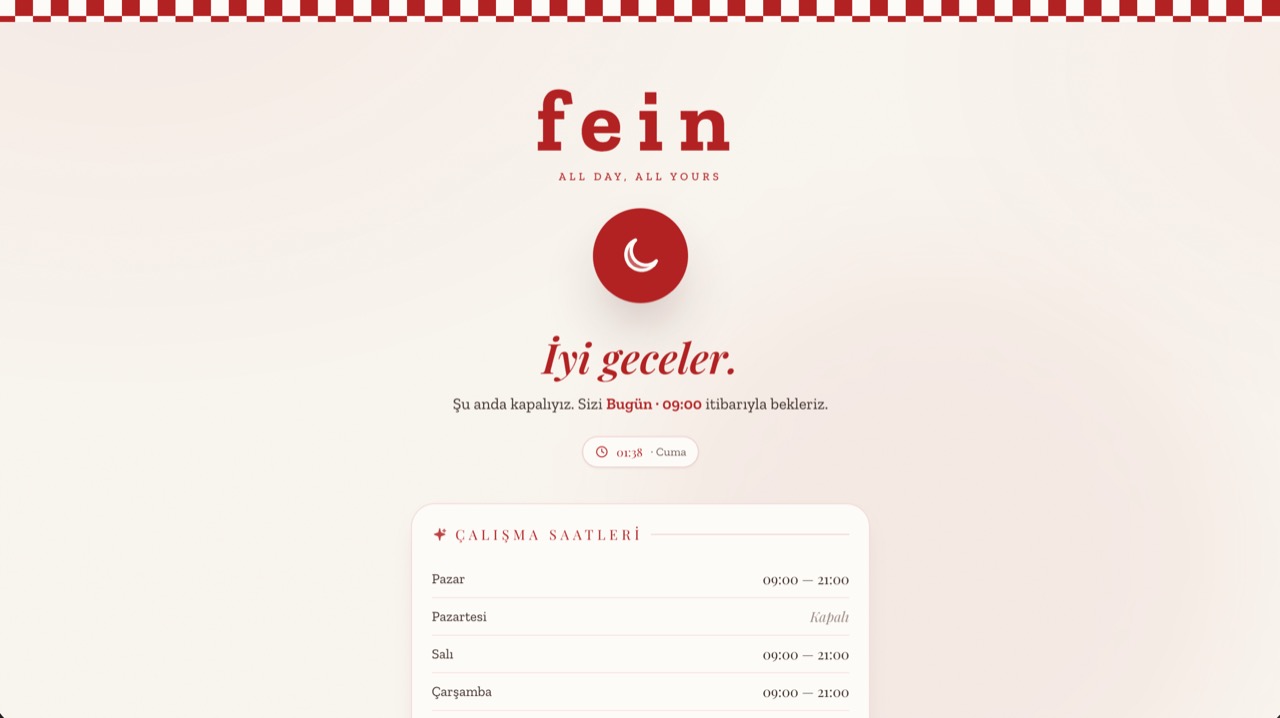
The foundation is always the same four pillars: authentication that is actually secure, roles and permissions enforced at the data layer, fast data tables that stay usable at tens of thousands of rows, and reporting that turns records into decisions. On top of that come the pieces your operation needs: approval flows, bulk actions, file and image management, audit logs, notification triggers. Fein QR Menu's restaurant editor, OstamAI's workshop screens, and Çiftliğim's facility management are all variations of this same disciplined core.
- →Secure authentication and session management
- →Role-based permissions enforced at the database level
- →Fast, filterable data tables with search and bulk actions
- →Dashboards with the metrics that actually drive decisions
- →Audit logs — who changed what, when
- →Exports and scheduled reports (Excel, PDF)
Built on your data, wherever it lives
A panel is only as good as its connection to reality. If I am building the whole product, the panel and the app share one Supabase or PostgreSQL backend and stay in sync by construction. If your system already exists, the panel connects to what you have: a REST or GraphQL API, an existing database, or a mix of sources. Realtime matters more than people expect in admin work — seeing a new order appear without refreshing changes how a team operates — so I wire live updates in wherever the workflow benefits.
Technology choices
Panels are built with Nuxt and Vue, with Node.js APIs and PostgreSQL behind them — Supabase handling auth, storage, row-level security, and realtime channels in most builds. I deliberately avoid heavyweight admin frameworks that generate generic CRUD screens: they demo well and then fight every real requirement. Instead, each screen is built for its job, on a shared component system that keeps the whole panel consistent and fast. Deployment is Dockerized on managed cloud or my own production servers, with backups and monitoring included.
Process and delivery
We start by listing what actually gets managed — the entities, their states, and who is allowed to touch them. From that map I build the highest-traffic screens first, so your team gets daily value within the first weeks. Roles, reporting, and secondary screens follow in short cycles. Handover includes clean code in your repository and enough documentation that any competent developer could take over — though most clients keep me on for maintenance, since the person who built every layer fixes issues fastest.
Related Projects
Frequently Asked Questions
+Can you add an admin panel to an app or website that already exists?
Yes — this is one of the most common requests. If your system exposes an API or a reachable database, the panel is built against it without touching your existing app. Where no API exists, I can usually add a thin, safe data layer to bridge the gap.
+How granular can roles and permissions be?
As granular as your operation needs: per-module, per-action, even per-field. A support agent might edit customer contact details but never see payment data; a branch manager sees only their branch. Rules are enforced with row-level security at the database, so they hold even outside the UI.
+What kind of reporting can the dashboard include?
Anything your data can answer: revenue and activity summaries, trend charts, overdue and exception lists, staff performance views, and scheduled exports to Excel or PDF. The design principle is fewer, sharper numbers — a dashboard should surface the five figures you act on, not forty you scroll past.
+Can the panel manage a website, a mobile app and other channels at once?
Yes. When all channels share one backend, the panel becomes the single control room: edit a product, a menu item, or a schedule once, and the website, the installed app, and any other surface update together — in real time where it matters. Fein QR Menu works exactly this way.
+Can it run as a kiosk or on our local network?
Both are possible. A panel view can run full-screen in kiosk mode on a fixed terminal — a status board in a workshop, a check-in screen at reception. And the whole system can be deployed inside your local network with Docker when data must stay on premises.
+Why custom instead of a ready-made admin template?
Templates optimize for the demo, not for your Tuesday afternoon. They ship forty generic screens where you need twelve precise ones, and every workflow that does not match their assumptions becomes a workaround. A custom panel costs more upfront and repays it daily in speed, clarity, and the absence of fighting your own tools.