Progressive Web App (PWA) Development
A progressive web app is a website that behaves like an app: it installs to the home screen, launches full-screen, works offline, and can receive push notifications — with none of the app-store friction. I build PWAs end to end with Nuxt, Vue, and Supabase, and several of them run in production for real businesses today.
Why PWAs are the sweet spot
Mobile apps do not always need to start as expensive native builds. For many businesses, a well-built PWA delivers a fast, app-like experience with easier maintenance: one codebase serving every device, updates that reach users instantly, and no store review standing between you and a bug fix. Users get an icon on their phone and an experience indistinguishable from an app in daily use. You get a product you can evolve every week. That trade is right for most business software — which is why PWA is my default, not my fallback.
What a PWA can do today
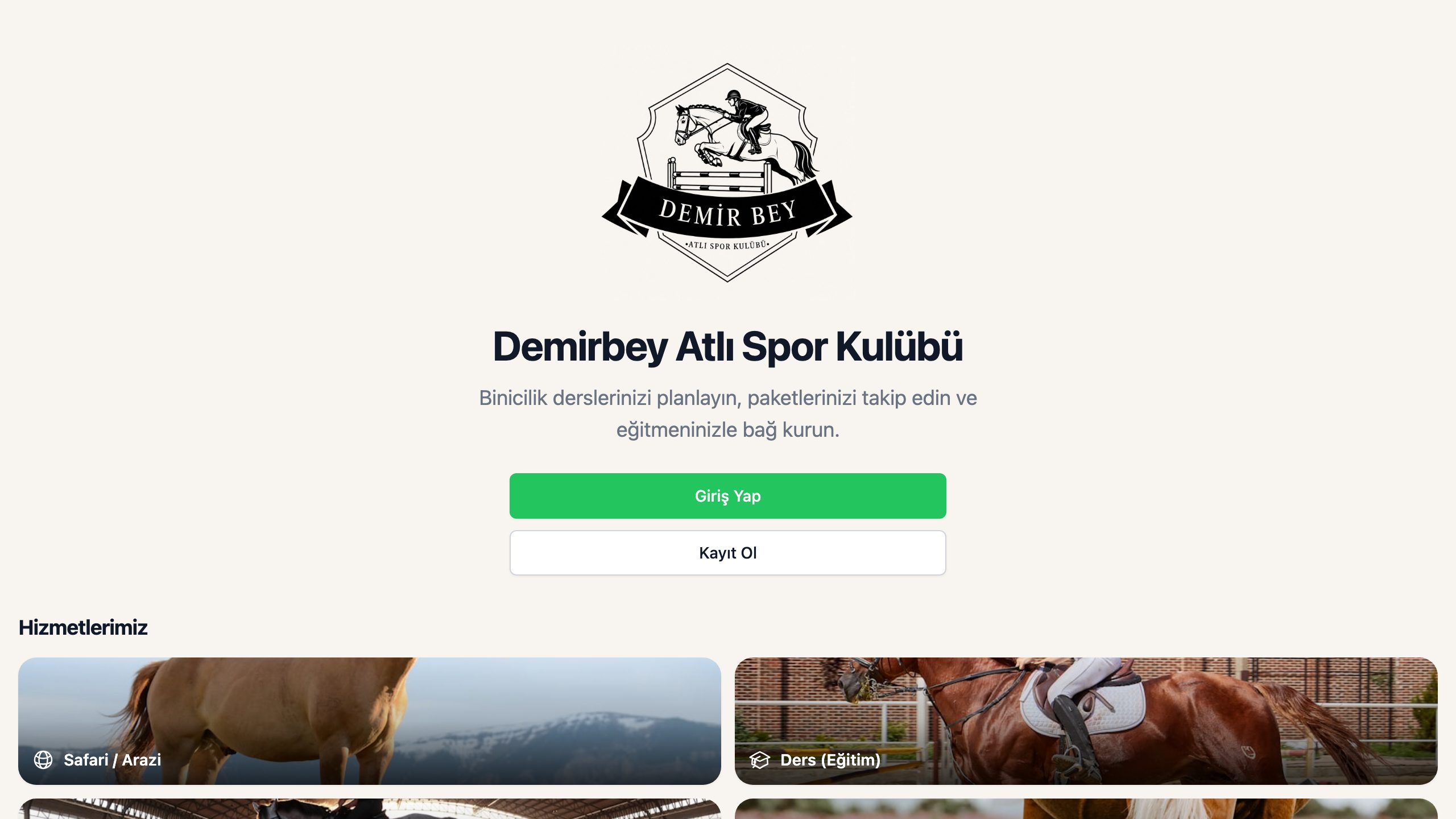
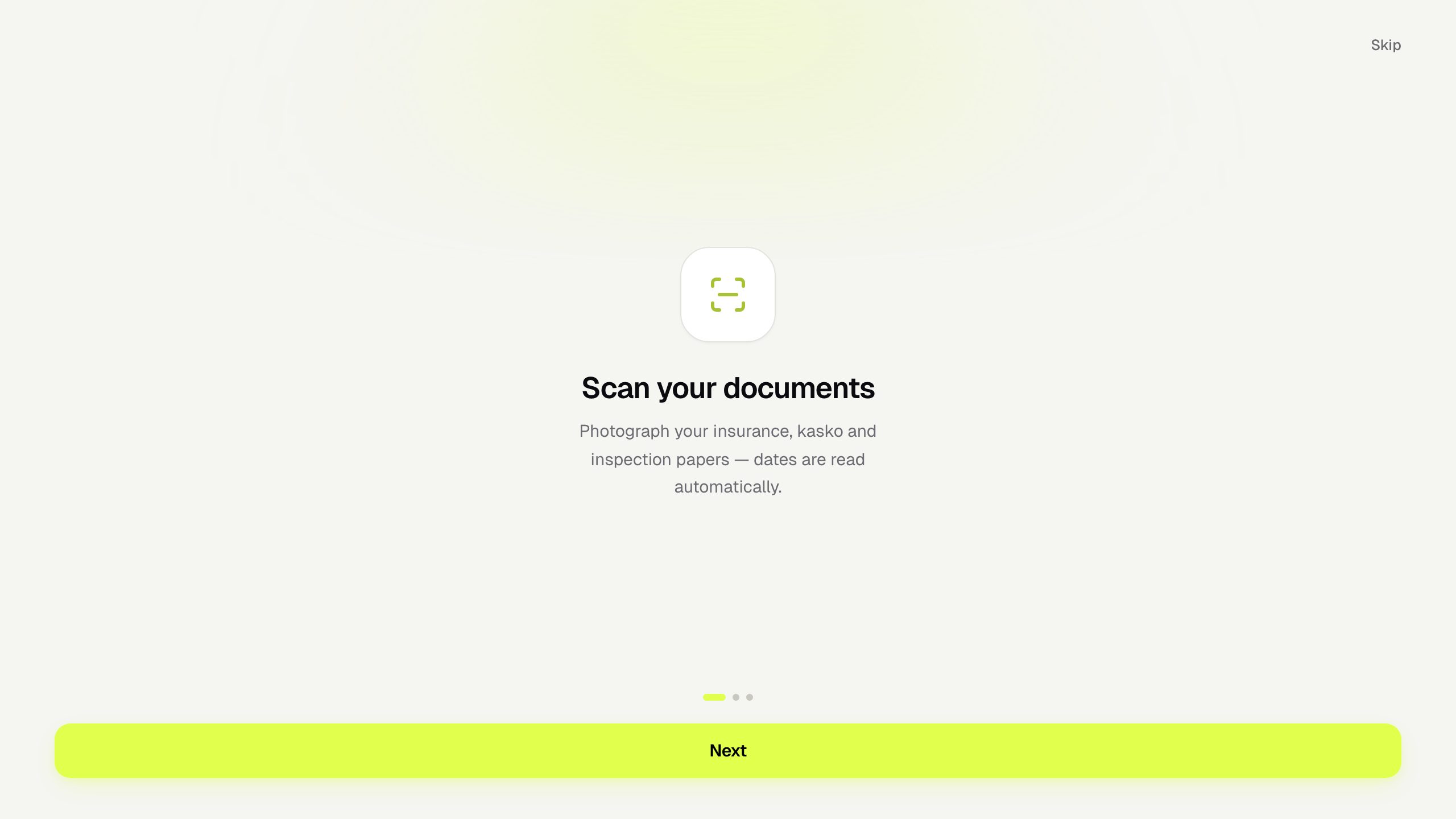
The capability gap between PWAs and native apps has narrowed dramatically. Camera access, geolocation, offline storage, background sync, push notifications, home-screen installation, full-screen launch — all of this is available in the browser engines running on today's phones. Garajım photographs vehicle documents and extracts dates with OCR. Demirbey manages a sports club from members' phones. Fein QR Menu serves restaurant customers on whatever device they pull from their pocket. These are not demos; they are daily-use production systems.
- →Home-screen install with your icon and splash screen
- →Offline-friendly flows with local data and sync
- →Push-notification-ready architecture
- →Camera, geolocation and file access
- →Instant updates — no store review cycle
How I build them
The stack is Nuxt and Vue on the front, Node.js APIs and PostgreSQL behind — usually Supabase for auth, storage, and realtime. Service workers manage caching and offline behavior; the manifest and install flow are tuned so the "Add to Home Screen" moment actually happens instead of being buried. Performance is treated as a feature: a PWA that loads slowly has lost its argument, so I target fast first paint and instant interactions throughout. Deployment is Dockerized, on managed cloud or servers I operate.
When a store package makes sense
Some projects benefit from store presence — for credibility, for discoverability, or because a specific native API matters. In those cases the same PWA codebase can be wrapped with Capacitor and shipped as an Android or iOS package when the project fits. Nothing is rebuilt; the store version is a distribution channel, not a second product. This keeps the economics sane: you maintain one app, and the store package inherits every improvement automatically.
The process, start to finish
We define the core loop of the app — the one thing users do daily — and I build that first, properly. You get a working install-to-your-phone version early, and we refine against real usage. Offline behavior, notification flows, and edge cases are hardened once the core proves itself. Then launch, with analytics and monitoring wired in, and an update rhythm that keeps the product alive. Because I handle design, code, backend, and infrastructure in one hand, there is no coordination tax at any step.
Related Projects

Frequently Asked Questions
+Do I need a native app or is a PWA enough?
For the vast majority of business applications, a PWA is enough — and the faster, cheaper, easier-to-maintain option. Native is worth its cost mainly for heavy low-level device integration, demanding real-time graphics, or when app-store distribution is itself your growth channel. I will give you a straight answer for your specific case.
+Can you publish to the App Store or build Android apps?
I work PWA-first. When store distribution genuinely fits the project, the same codebase can be wrapped with Capacitor and packaged for Android or iOS. I do not write from-scratch native apps in Swift or Kotlin — and I will tell you honestly if your project is one of the rare cases that needs that.
+Can you add push notifications to a PWA?
Yes. Web push works on Android and, for installed PWAs, on modern iOS as well. I architect every app to be push-ready from day one, so notifications — reminders, status updates, announcements — can be switched on when you need them without restructuring anything.
+Does a PWA work offline?
Yes, to the degree the product needs. Service workers cache the app shell so it opens instantly without a connection, and data flows can be designed offline-friendly — viewing recent records, queuing changes, syncing when the network returns. How deep the offline support goes is a design decision we make per feature.
+Can the PWA connect to Supabase, Firebase or an existing API?
Yes. Supabase is my usual backend — including self-hosted instances I run in production — but a PWA is just a frontend at heart: it can talk to Firebase, your existing REST or GraphQL API, or several sources at once. Existing systems get extended, not thrown away.
+Can the same system have a website, mobile app and admin panel?
Yes — that is the natural shape of a PWA project. The public site, the installable app, and the admin panel share one backend and one source of truth. Fein QR Menu runs this way in production: restaurant owners edit in their panel, and customers see the change on their phones in real time.